Computer & laptop repair
Hardware issues, performance problems and devices that need attention.
Enquire about this: Computer & laptop repairComputer help at your home or office in Melbourne.
Support for computers, networks, printers, email and more, at your location by arrangement.
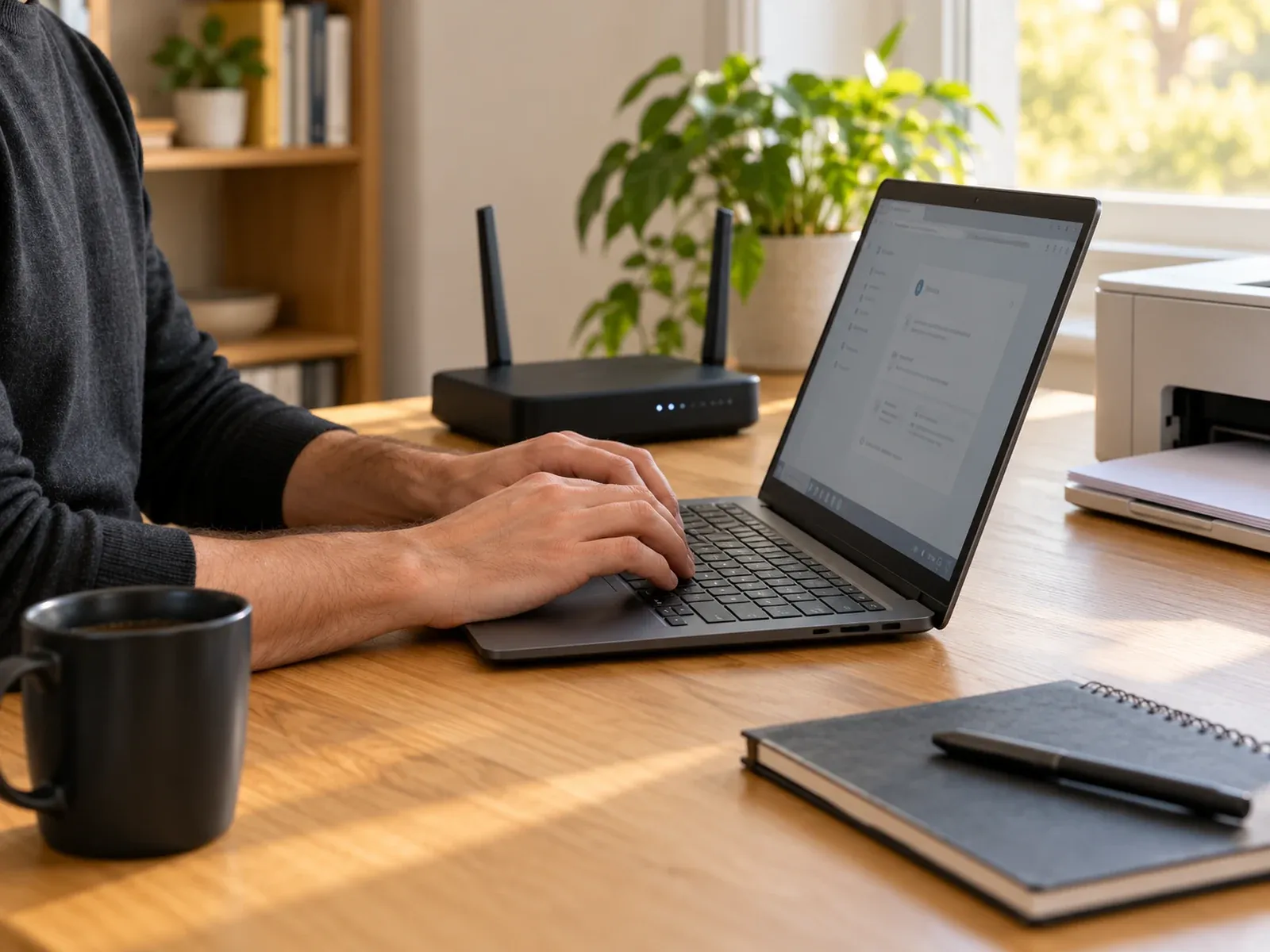
Practical help with the technology you use every day.
Hardware issues, performance problems and devices that need attention.
Enquire about this: Computer & laptop repairHelp with setup, data transfer and getting started.
Enquire about this: New computer setupHelp with connection problems and home network issues.
Enquire about this: Internet & Wi-Fi troubleshootingInstallation, wireless setup and common printing problems.
Enquire about this: Printer setup & troubleshootingHelp with email setup, syncing and common issues.
Enquire about this: Email troubleshootingSome problems are easiest to fix where they happen. Computer Squad provides home IT support and on-site computer help in Melbourne: we come to your home or small office, sort out the problem, and explain what we did. Same-day or next-day appointments are often available, depending on technician availability, and many software problems are resolved during the first visit.
Not everyone wants to learn tech from a video. We’re happy to:
Some software problems can be fixed remotely, without a visit, by connecting securely to your computer with your permission. Ask whether remote support suits your issue when you get in touch.
Wi-Fi, printers and home networks often can’t be diagnosed anywhere else, because the problem is in your setup, not just the device. A visit means we can see the whole picture and test that everything works together before we leave.
For workplaces with ongoing needs, such as staff computers, networks, servers and cloud services, see small business IT support.
We visit homes and businesses across metropolitan Melbourne, 7 days a week.
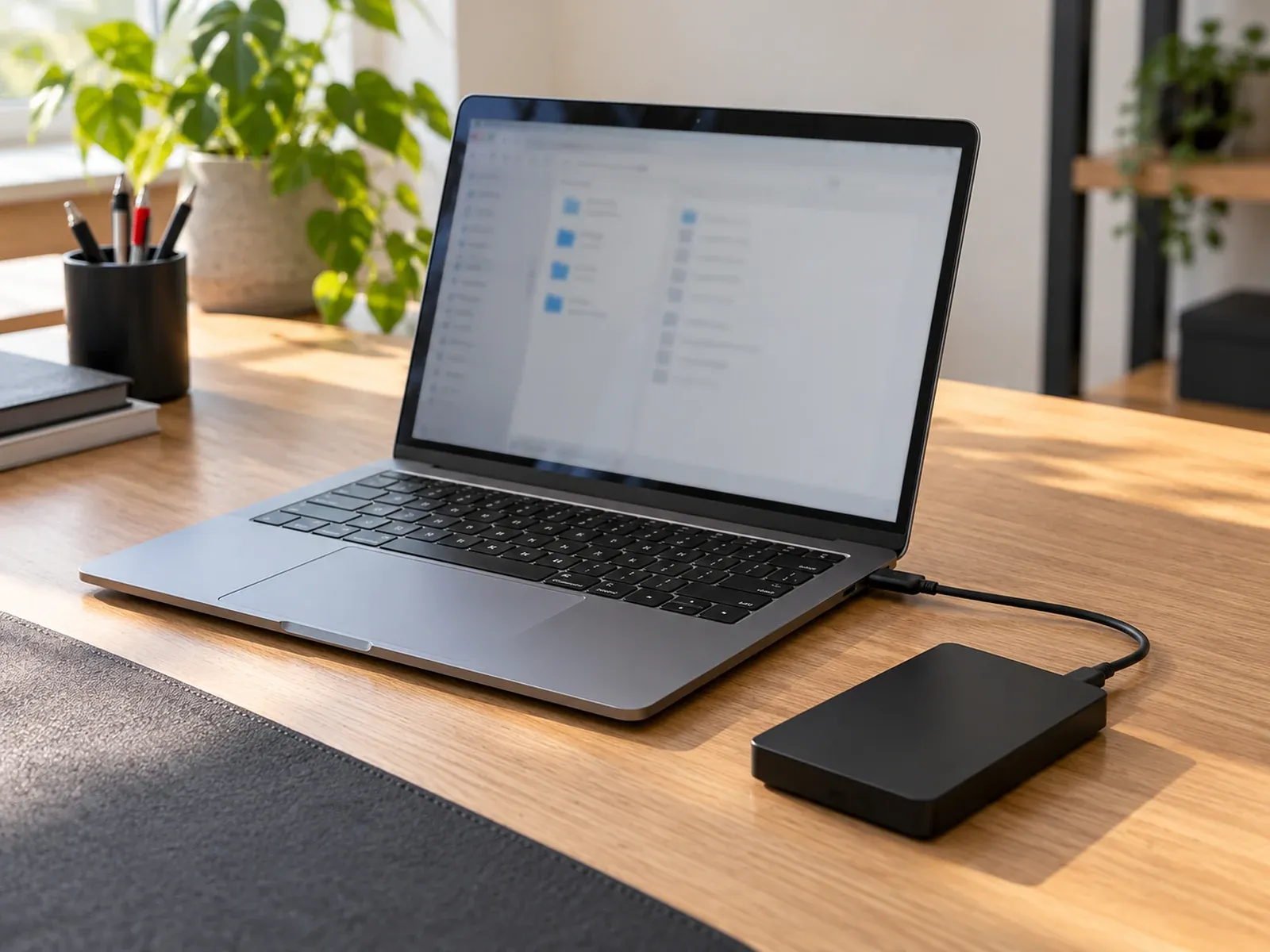
We can visit your home to help with devices, set up new equipment, and sort out internet, email and printer issues.
Request a visit at home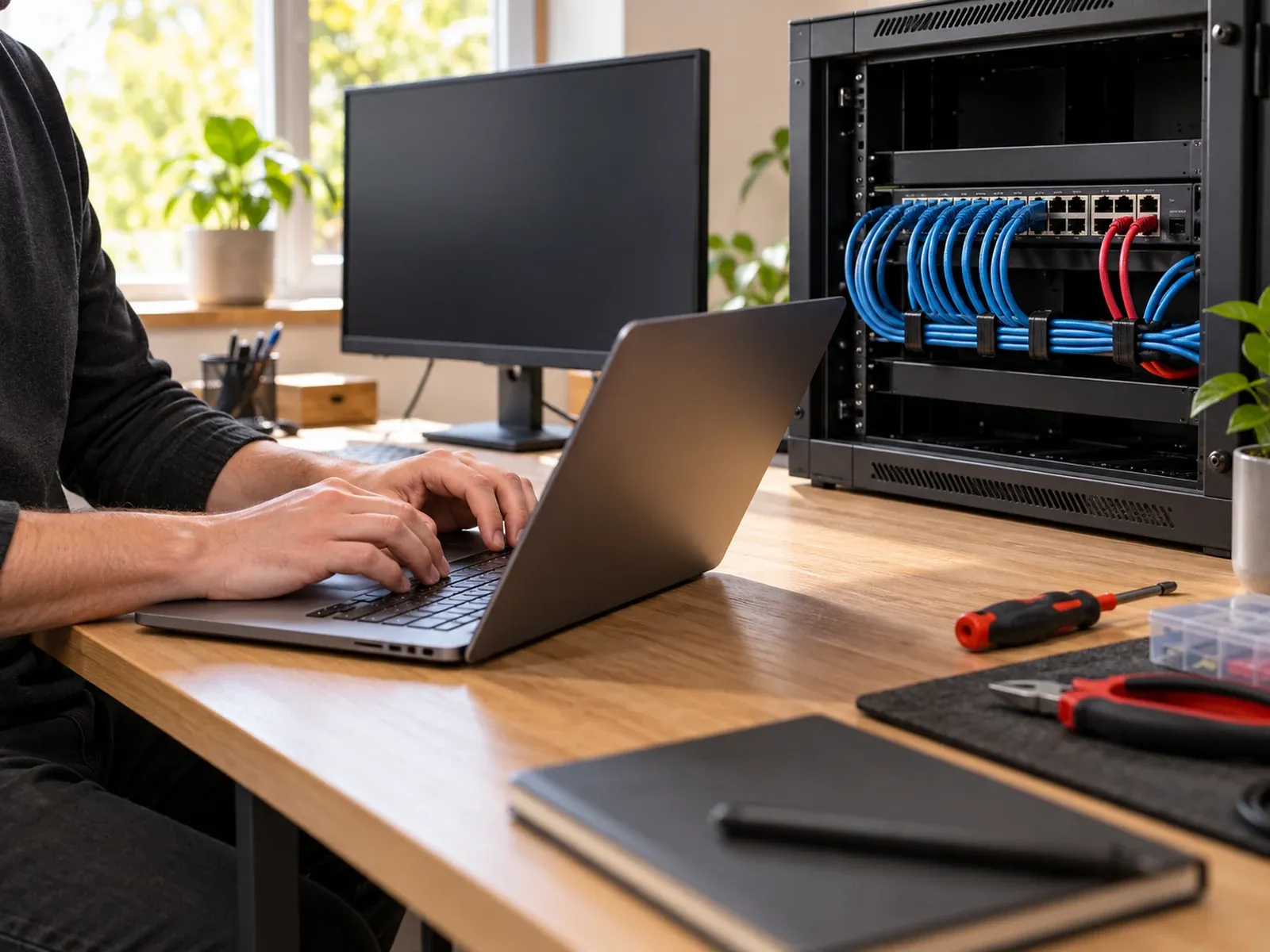
On-site support for workplaces, including computer repairs, network setup, printer support and general IT troubleshooting.
Request a visit at your officeGetting on-site support is simple.
Tell us what’s not working and what you need help with.
We cover all of metropolitan Melbourne, 7 days, 9am–9pm.
A visit is arranged once availability is confirmed.
Quick answers about on-site visits.
We cover homes and businesses across metropolitan Melbourne, 7 days a week from 9am to 9pm. The appointment time is confirmed when you book.
Computers and laptops, internet and Wi-Fi, printers, email, new computer setup and virus removal. Tell us about the issue and we’ll confirm whether we can help.
Yes. We visit homes and workplaces by arrangement. For ongoing workplace needs, see Business IT support.
Send an enquiry with your device, the issue and your suburb. An enquiry does not confirm an appointment; the visit is confirmed once the location, availability and next steps are agreed.
Yes. We're happy to work at your pace. We can help set up a new computer, tablet or phone, sort out email and printers, and explain the basics in plain language, at home.
Yes. We set up and troubleshoot home Wi-Fi and internet connections, including routers, weak signal in parts of the house, and devices that won't connect.
On-site support is charged at $199 per hour, including GST. We'll confirm the likely time and any parts before your visit.
Practical advice before you book a repair.
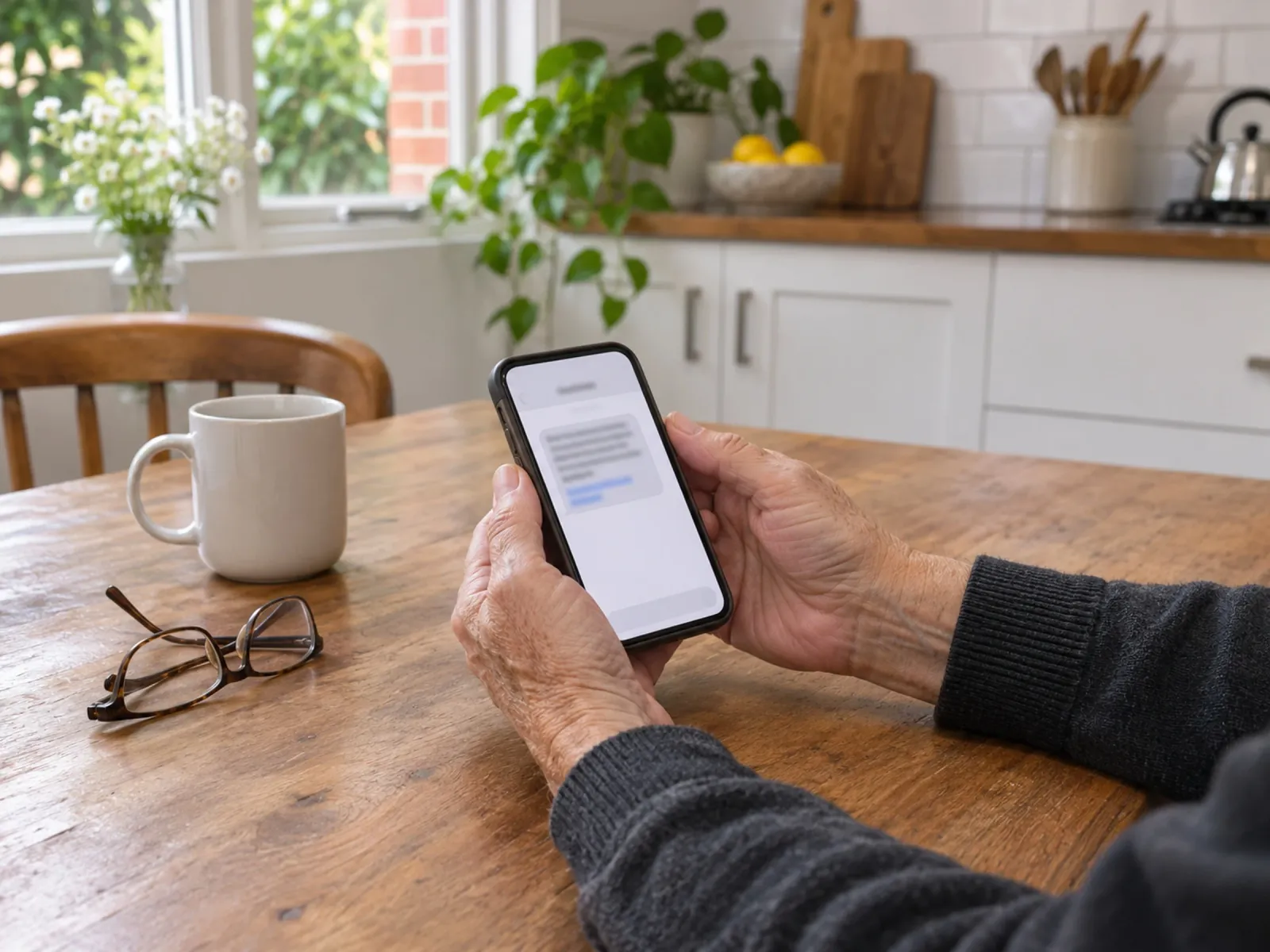
Lists of scammer phone numbers go out of date fast. Learn the 5 red flags, check any call, text or email, block scam numbers and report scams in Australia.
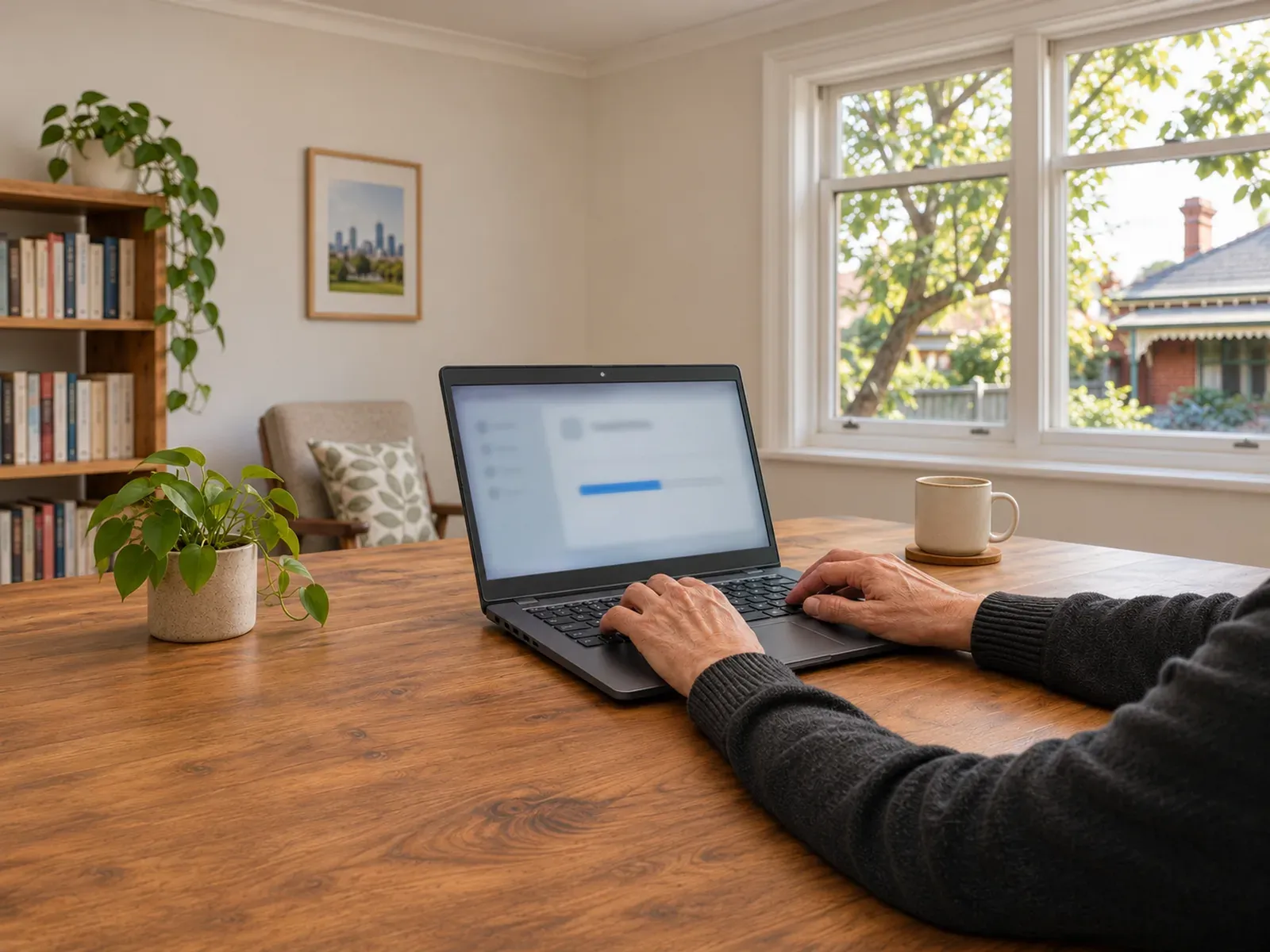
Windows 10 support ended in October 2025. Check if your PC can run Windows 11, get security updates until October 2027, and choose your next step.
Why is your computer or laptop so slow? Learn the common causes, quick fixes for Windows and Mac, and the signs a slow laptop needs professional help.
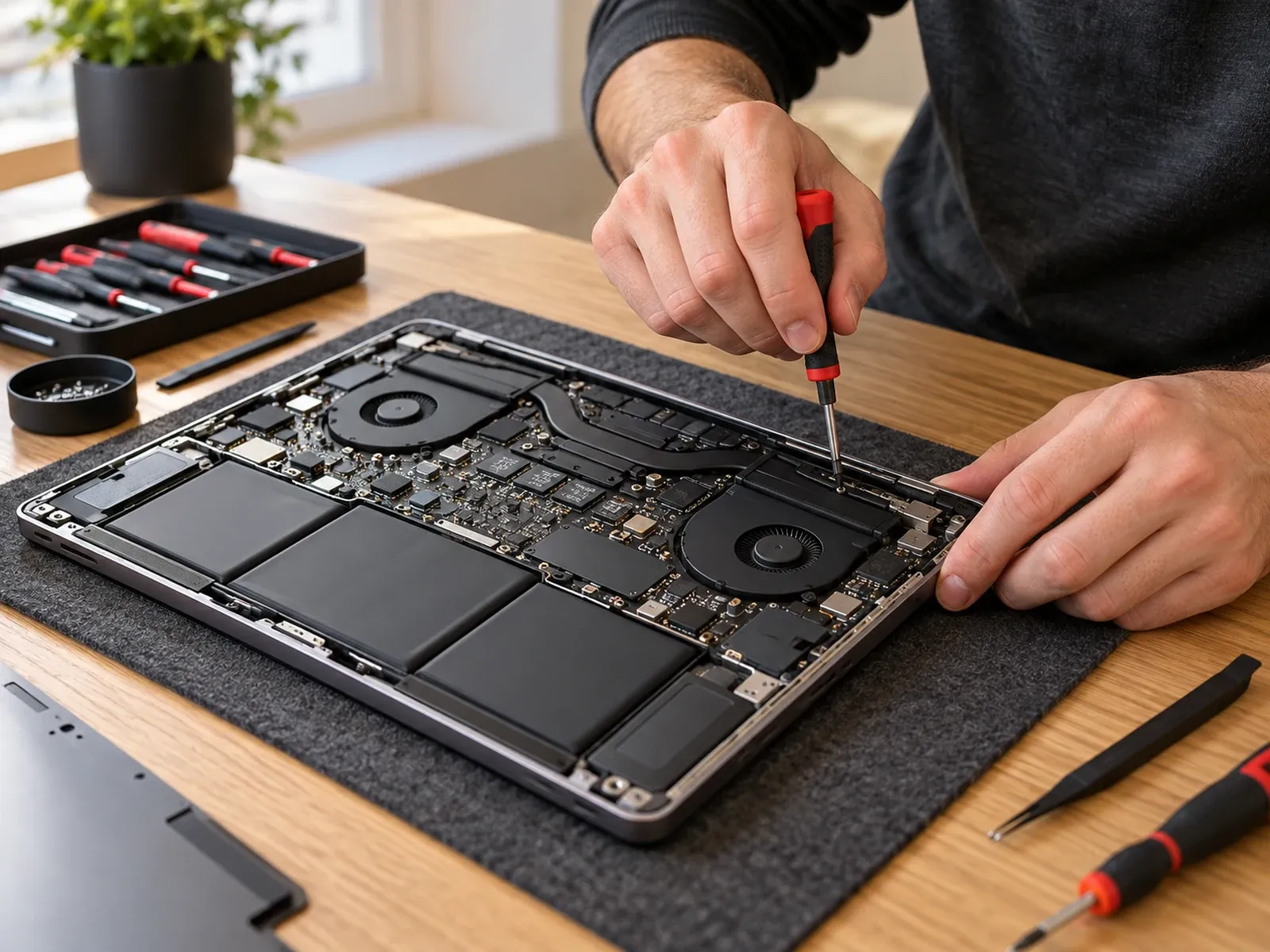
Laptop not turning on? Try these 7 safe checks first, plus brand-specific resets for Dell, HP, Lenovo, ASUS and Acer, and know when it needs a repair.
Tell us about your device and the issue.