MacBook screen repair
Cracked, flickering or unresponsive displays.
Enquire about this: MacBook screen repairCareful support for your Mac.
Repairs for MacBook and desktop Macs, with visits to homes and offices in Melbourne.
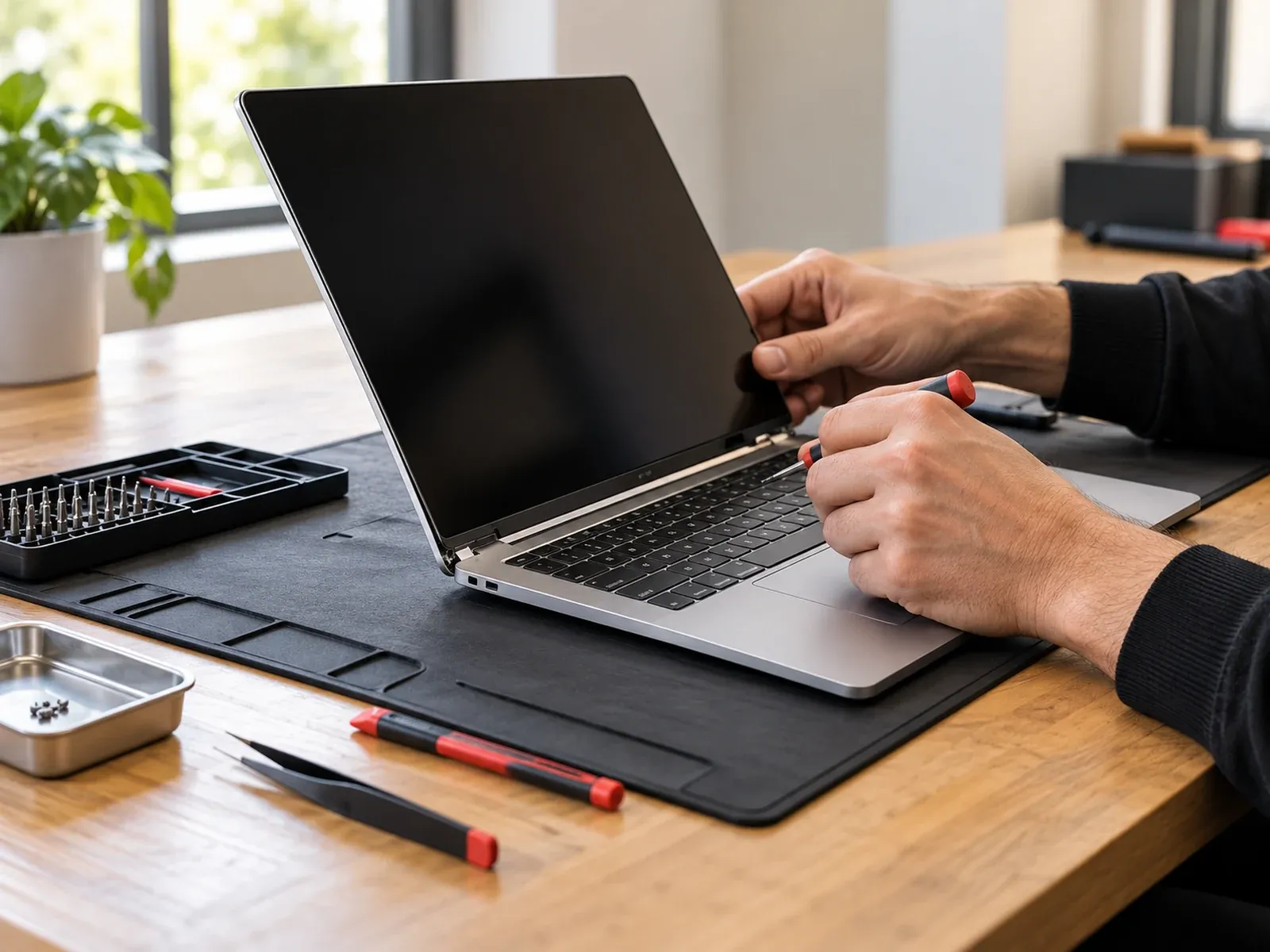
Common issues we help with for Mac and MacBook.
Cracked, flickering or unresponsive displays.
Enquire about this: MacBook screen repairReduced battery life, not charging or sudden shutdowns.
Enquire about this: Battery repairKeys not working, sticky keys or liquid-affected keyboards.
Enquire about this: Keyboard replacementNo power, stuck on the startup screen or failing to boot.
Enquire about this: Non-starting MacBooksAssessment and recovery options for lost or inaccessible files.
Enquire about this: Apple data recoveryReferences to Apple devices describe the products we work on and do not indicate Apple authorisation.
From cracked screens to batteries that no longer last the day, Computer Squad provides MacBook repair in Melbourne at your home or office. We repair Macs across Melbourne, including the CBD, Docklands and Southbank. We work on:
Services include hardware diagnostics, macOS troubleshooting, storage problems, overheating, power faults and component-level repairs where feasible. Some repairs depend on the specific model and the availability of replacement components.
If your Mac starts, open the Apple menu → About This Mac to see the model and year. If it doesn’t, the model number is printed in small text on the underside of a MacBook. Including it in your enquiry helps us check parts and give an accurate quote.
Computer Squad is an independent repairer, not Apple-authorised. Depending on availability and your preferences, we may use:
We’ll always tell you which before installing. If your Mac is still covered by Apple’s warranty or AppleCare, check with Apple first.
Battery checks, software problems and many diagnostics can be done at your location. Screen, logic board and liquid-damage repairs usually need the workshop. If so, we agree the timing and return arrangements with you first.
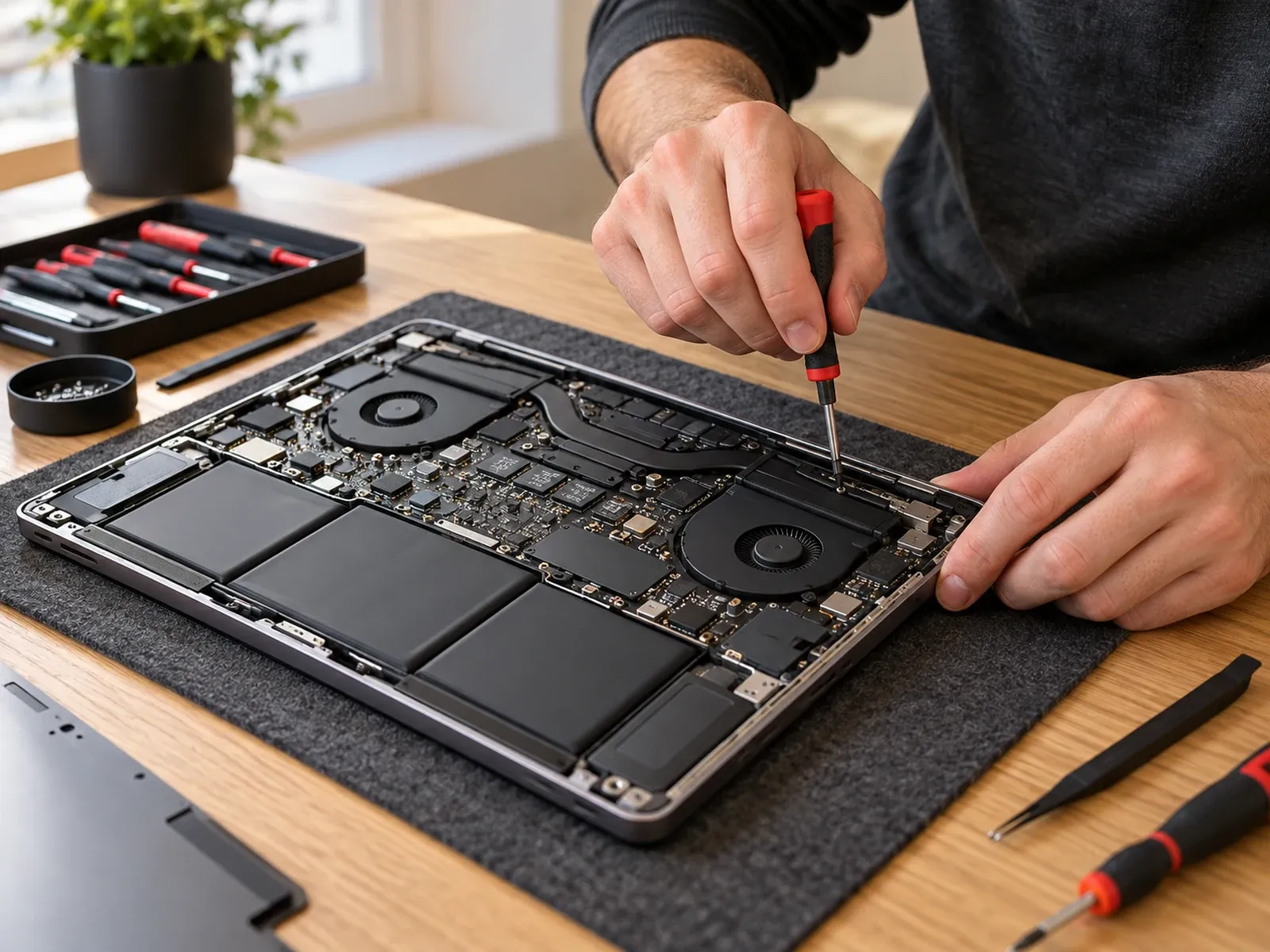
Share your device model and symptoms so we can discuss the work required.
If your Mac starts, open the Apple menu and choose About This Mac. If it doesn’t, the model number is usually printed in small text on the underside of a MacBook.
Yes. Switch the device off, avoid charging it, and tell us what happened and when. An assessment does not guarantee that a repair is possible.
Non-starting MacBooks are one of the issues we assess. Describe what happens when you press the power button and we’ll discuss the next steps.
It depends on the model and the fault. On-site work is charged at $199 per hour, including GST, and workshop diagnostics are generally $300 labour plus parts. MacBook batteries and screens are quoted per model, and you'll get a quote before any repair goes ahead.
Yes. We repair Apple desktop computers, including iMac, Mac mini and Mac Studio. That covers hardware diagnostics, macOS problems, storage, overheating and power faults. Some repairs depend on the model and parts availability.
Yes. If your Mac shows "Service Recommended" under Battery Health, or shuts down unexpectedly, it's worth having the battery checked.
Yes. We visit homes and offices in the Melbourne CBD, Docklands, Southbank and the inner suburbs. Tell us the address and your Mac model and we'll confirm timing and the quote.
No. Computer Squad is an independent repairer and isn't an Apple Authorised Service Provider. If your Mac is still under Apple warranty or AppleCare, check with Apple first, because independent repairs may affect that cover.
Share your device and location.
Confirm availability and next steps.
Discuss the assessment and repair options.
Practical advice before you book a repair.
How to check laptop battery health on Windows and Mac in a few minutes, what the numbers mean, and the signs it's time for a battery replacement.
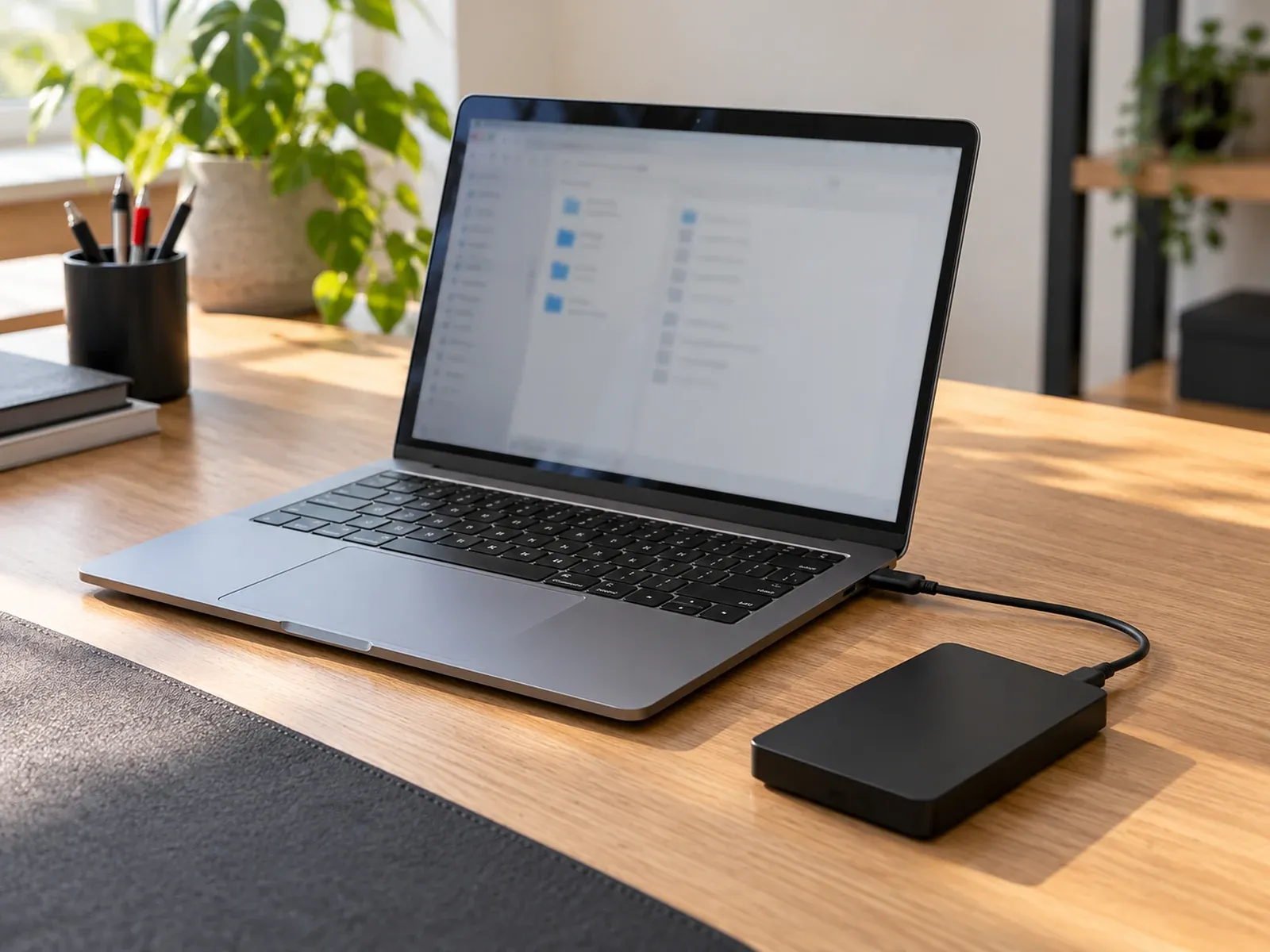
Lost files on a laptop or hard drive? What data recovery can and can't do for failed drives, water damage, deleted files and ransomware, and what to do first.
Why is your computer or laptop so slow? Learn the common causes, quick fixes for Windows and Mac, and the signs a slow laptop needs professional help.
Tell us about your device and the issue.