Laptop data recovery
Files on laptops that won’t start, have failed or have been damaged.
Enquire about this: Laptop data recoveryAssessment and recovery options for lost or inaccessible files.
For laptops, desktops, Macs, external hard drives, USB drives and SSDs in Melbourne, starting from $300. We assess first and confirm the price before any recovery work.
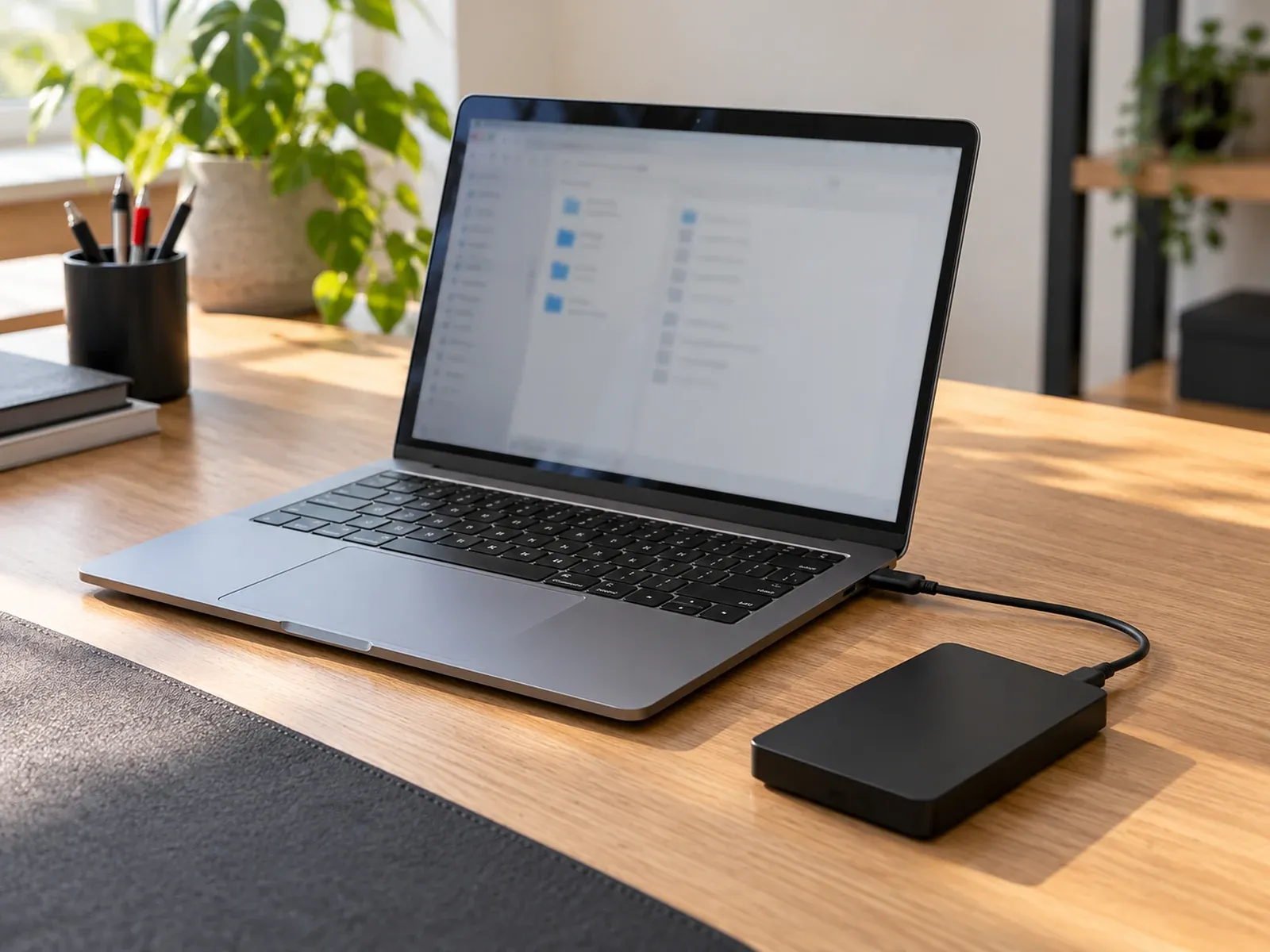
Devices and drives we can assess.
Files on laptops that won’t start, have failed or have been damaged.
Enquire about this: Laptop data recoveryInternal and external hard drives, SSDs and USB drives that have failed, corrupted or been formatted.
Enquire about this: Hard drive, SSD & USB recoveryMacBooks and iMacs that won’t start, including liquid damage.
Enquire about this: Mac data recoveryPhotos, contacts and files from damaged or non-starting phones.
Enquire about this: Phone data recoveryLost files are stressful, especially when they’re family photos or business records that only existed on one device. Computer Squad provides data recovery services in Melbourne starting from $300, with the final price confirmed after assessment. We recover data from:
Stop using the device, and don’t install recovery software on the affected drive. Both can overwrite the files you want back. If a drive is clicking or has been in contact with liquid, switch it off and leave it off. Our guide to what data recovery can and can’t save explains why.
We handle data loss caused by software problems, and certain hardware-related storage failures. That includes:
Deleted files on modern SSDs, encrypted drives without the key and recent MacBooks with storage built into the logic board are harder to recover, and sometimes impossible. We’ll tell you after the assessment. Drives that click, grind or aren’t detected may need cleanroom recovery, which we don’t do ourselves. If yours needs it, we’ll refer you to a specialist data recovery laboratory.
We help with laptop, desktop and Mac data recovery, and can assess phones. Once your files are back, we can also set up a backup routine so it doesn’t happen again.
Common questions about data recovery in Melbourne.
Basic data recovery starts from $300 and complex recovery from $500, depending on the condition of the device and the type of failure. The assessment is included in the labour charge if you go ahead, and the final price is confirmed before recovery begins.
No. Recovery depends on the damage and whether the data has been overwritten or encrypted. Diagnosis and recovery attempts can involve substantial work even when files can’t be recovered, so we explain the realistic chances and costs before you decide.
Often, yes. When a laptop fails because of its motherboard, power or screen, the storage drive is frequently undamaged and the files can be copied off.
It depends on how much the files matter to you and what they'd cost to replace. Family photos, business records and work files are often worth recovering, while files that are already backed up elsewhere usually aren't. After the assessment, we'll tell you the likely cost and chances so you can decide.
It depends on the device and the type of failure. Copying files from a healthy drive in a failed laptop can be quick, while damaged or encrypted drives take longer. We'll give you an estimate after the assessment.
No. Some physically failed hard drives can only be recovered by opening them in a specialist cleanroom. If your drive needs that, we'll tell you and refer you to a specialist data recovery laboratory.
We only access what's needed to recover the files you've asked for, and we don't copy, keep or share them except as part of the agreed work. See our Privacy policy.
Disconnect the device from the internet and your network first, and report the attack at cyber.gov.au. We can assess the device and check for clean backups. Without a backup or a working decryption tool, encrypted files often can't be recovered. Report a cyber attack at cyber.gov.au.
Practical advice before you book a repair.
Lost files on a laptop or hard drive? What data recovery can and can't do for failed drives, water damage, deleted files and ransomware, and what to do first.
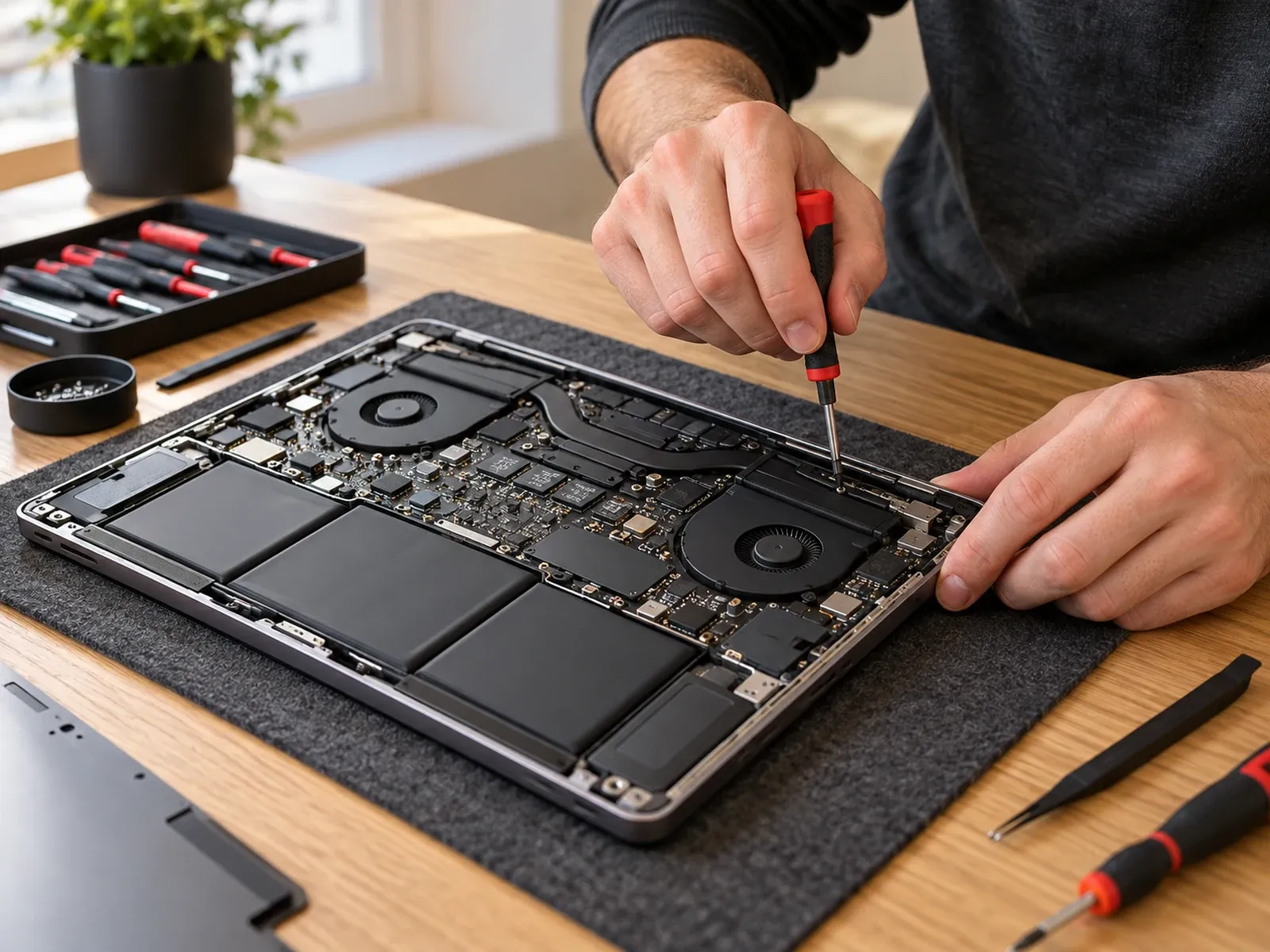
Laptop not turning on? Try these 7 safe checks first, plus brand-specific resets for Dell, HP, Lenovo, ASUS and Acer, and know when it needs a repair.
Tell us about your device and the issue.