Data recovery
Lost Files? What Data Recovery Can and Can't Save
When a laptop dies or files disappear, the first question is usually whether the data can be saved. Often it can, but the chances depend on what happened and what you do next. Here's an honest guide to what's recoverable, what isn't, and how to give yourself the best chance.
In this guide
First: what to do right now
What you do in the first few minutes can decide whether files are recoverable.
- Stop using the device. Every time you save, download or install something, you risk overwriting the data you’re trying to save.
- Don’t install recovery software on the affected drive. Installing it can overwrite the very files you want back.
- If the drive is clicking, grinding or beeping, switch it off. Repeatedly powering on a physically failing drive can cause more damage.
- If there’s been liquid damage, don’t turn it on. Unplug it and leave it off. Don’t put it in rice or use a hairdryer.
- Don’t open the hard drive itself. Drive internals are extremely sensitive to dust.
- Write down what happened: when the problem started, any error messages, and whether there was a drop, spill or update.
- Find your passwords and recovery keys. On encrypted drives these are essential. More on this below.
What can usually be recovered
A laptop that won’t turn on, but the drive is fine
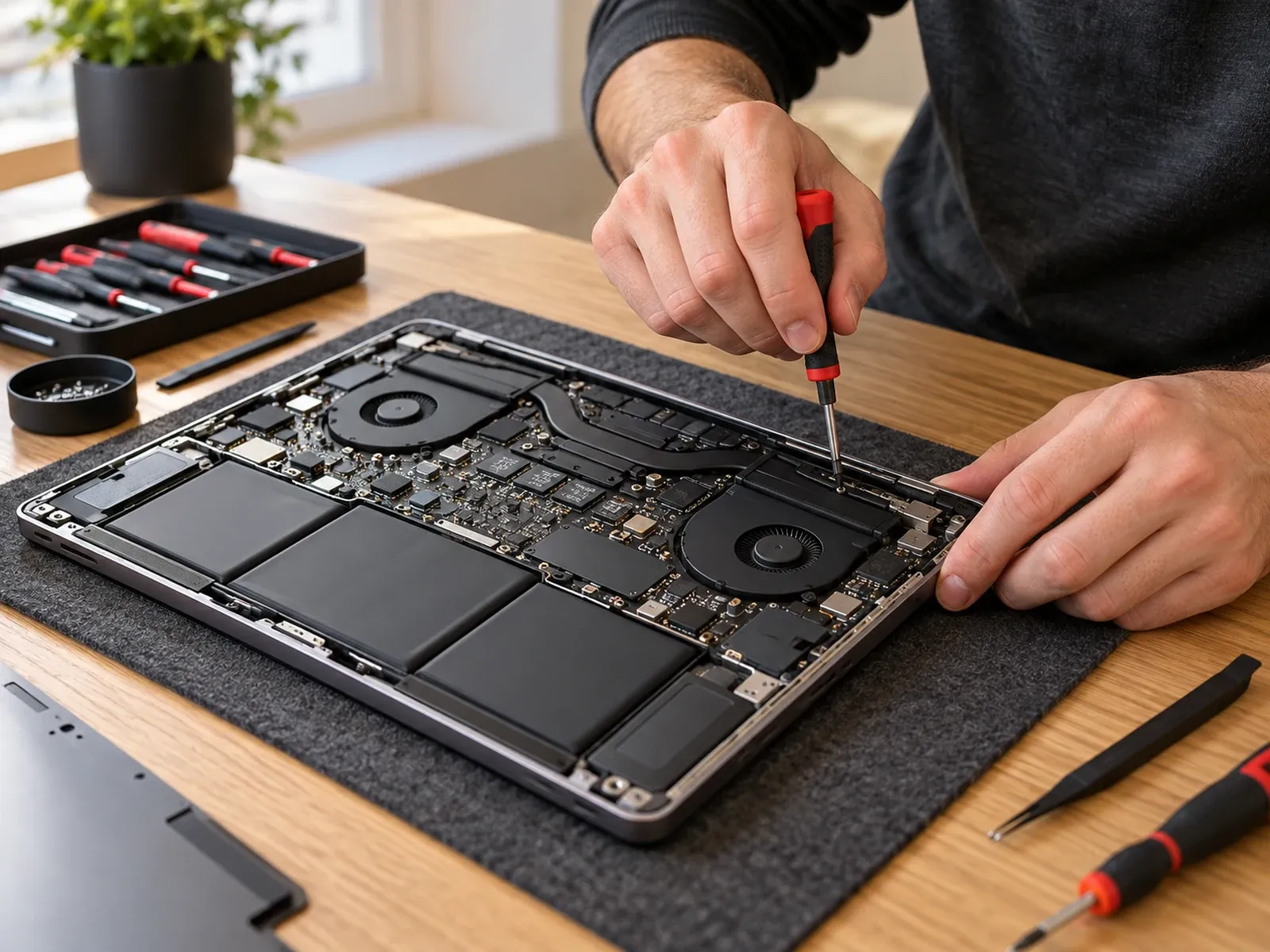
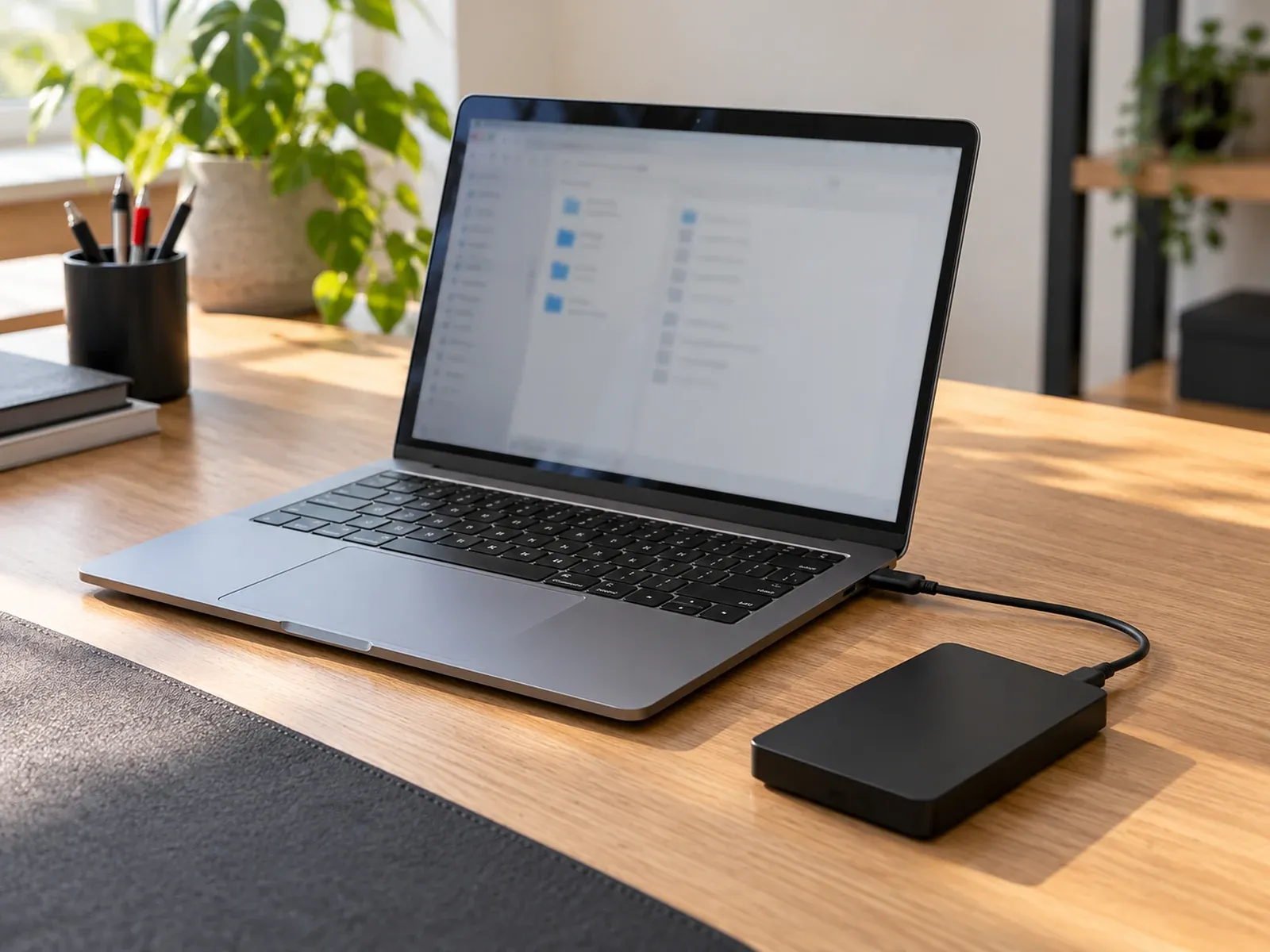
If the laptop has died from a failed motherboard, power fault or screen problem, the storage drive is often undamaged. Where the drive can be removed, it can usually be connected to another computer and the files copied off. Many people assume their files are gone when the problem is actually the laptop, not the drive. See laptop won’t turn on for first checks.
Accidentally deleted files
Check the Recycle Bin (Windows) or Trash (Mac) first. Then check any backups: File History, Time Machine, OneDrive, iCloud or Google Drive.
On a traditional hard drive (HDD), deleted files often stay on the disk until they’re overwritten, so recovery is frequently possible if you stop using the drive straight away.
Formatted or corrupted drives
A drive that was formatted by mistake, or whose file system has become corrupted, can often be recovered, as long as new data hasn’t been written over it.
Water-damaged laptops
Liquid damage often affects the motherboard rather than the storage. If the laptop was switched off quickly and the drive survived, the data may be recoverable even if the laptop isn’t repairable.
What’s harder, or not possible
Deleted files on an SSD
Most modern laptops use solid-state drives (SSDs). To keep themselves fast, SSDs usually erase deleted data automatically and quickly, using a feature called TRIM. Once that happens, deleted files generally can’t be recovered, which is why backups matter so much on modern laptops.
Physically failed hard drives
A hard drive that clicks, grinds or isn’t detected at all may have failed internally, for example damaged read heads or platters. Recovery may still be possible, but it needs a specialist cleanroom lab. It typically costs more and takes longer. We don’t perform cleanroom recovery ourselves. If your drive needs it, we’ll tell you and refer you to a specialist data recovery laboratory.
Drives that have been overwritten
If new files, a fresh installation of Windows or macOS, or a full reset has written over the old data, the original files are usually gone for good.
Encrypted drives without the key
Encryption protects your data from strangers, but it also means it can’t be recovered without the key.
- Windows (BitLocker / device encryption): many Windows laptops encrypt the drive automatically. You may need the BitLocker recovery key, which is often saved to your Microsoft account at account.microsoft.com/devices/recoverykey.
- Mac (FileVault): you’ll need your Mac password or FileVault recovery key.
- Recent MacBooks (Apple silicon and models with the T2 chip) have storage that is built into the logic board and encrypted. Recovery generally depends on getting that logic board working again, so a professional assessment is important.
Ransomware
Ransomware encrypts your files and demands payment.
- Disconnect the device from the internet and your network straight away to stop it spreading.
- Don’t pay the ransom. The Australian Cyber Security Centre advises against paying: there’s no guarantee you’ll get your files back.
- Report it at cyber.gov.au (ReportCyber), especially for business devices.
- Files can usually be restored from a clean backup made before the attack. For some ransomware types, free decryption tools exist through the No More Ransom project. Without a backup or a working decryptor, encrypted files often can’t be recovered.
Getting professional help
- Tell us what happened. Describe the device, what you were doing when the problem started, and which files matter most.
- Assessment. We assess the device and storage, then explain what we’ve found and the realistic chances of recovery.
- Quote before work. You’ll get a quote before any recovery work goes ahead. Data recovery is an assessment, not a guaranteed outcome, and we’ll be upfront about that.
- Recovery and return. Where recovery is possible, we copy your files to a new drive or device. If cleanroom recovery is needed, we’ll refer you to a specialist laboratory.
Your privacy: we only access what’s needed to recover your files, and we don’t copy, keep or share them except as part of the agreed work. See our Privacy policy.
Preventing the next data loss
The best data recovery is a backup you never need to use.
- Keep at least two copies of important files, for example an external drive and a cloud service.
- Back up automatically with File History (Windows), Time Machine (Mac), or OneDrive, iCloud or Google Drive.
- Check your backups occasionally by restoring a file.
- Save your BitLocker recovery key somewhere safe that isn’t on the laptop itself.
Need help recovering files?
Computer Squad assesses failed, damaged and non-starting laptops, hard drives and SSDs in Melbourne. We’ll tell you honestly what can and can’t be recovered before any work goes ahead.
See our data recovery service, request an assessment or call 0402 442 841. For Macs, see Mac and MacBook repairs; for desktop drives, see desktop and gaming PC repairs.
Data recovery is never guaranteed. The sooner you stop using an affected device, the better your chances.
Need hands-on help? See Data recovery or request a visit.